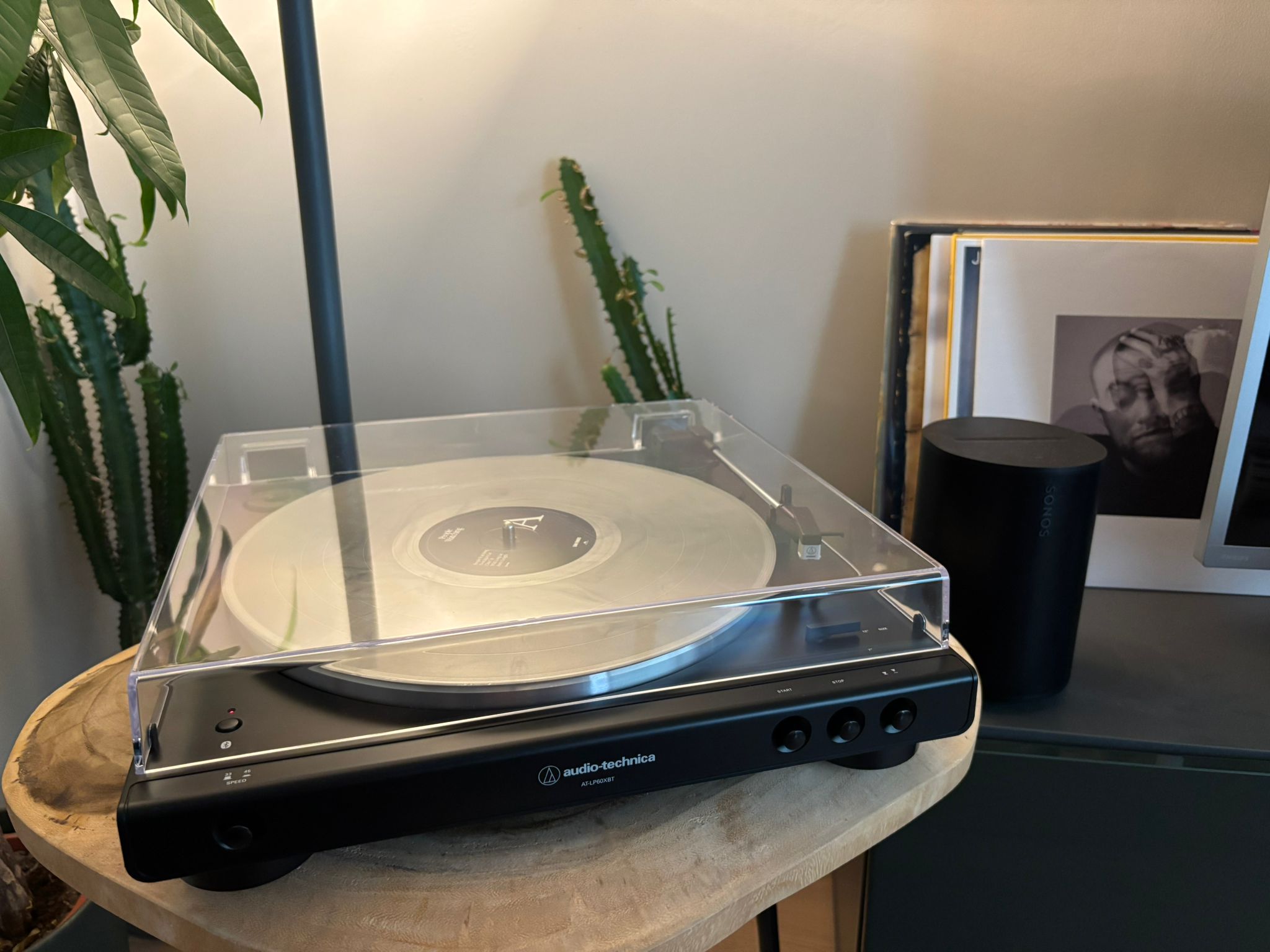
How to Connect a Turntable to Sonos
It took me longer than I'd like to admit to figure this out. Here's the clear guide I wish I'd found.
Don't have Sonos? Here's the version for any Bluetooth speaker.
If you've ever tried to connect a record player to a Sonos speaker and ended up going around in circles, you're not alone. I spent a frustrating evening on this before I got it working. The good news is that once you understand two things, the whole setup takes about five minutes.
First: does your turntable have a built-in preamp?
This is the question that trips most people up, so let's sort it out first.
A preamp (short for preamplifier) boosts the signal from your turntable to a level that speakers can actually hear. Without one in the chain, you'll either get no sound at all or a very faint signal that's barely audible.
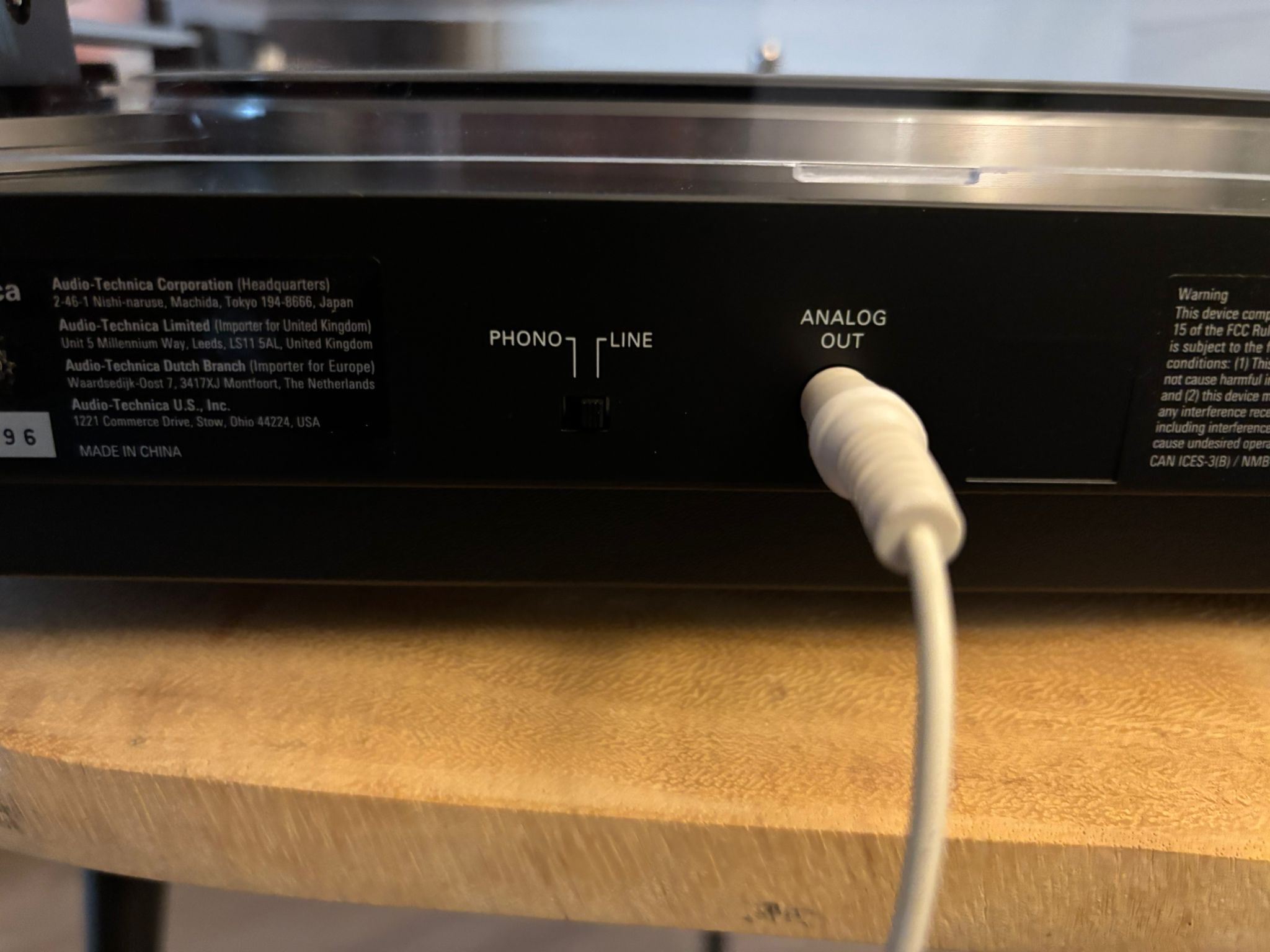
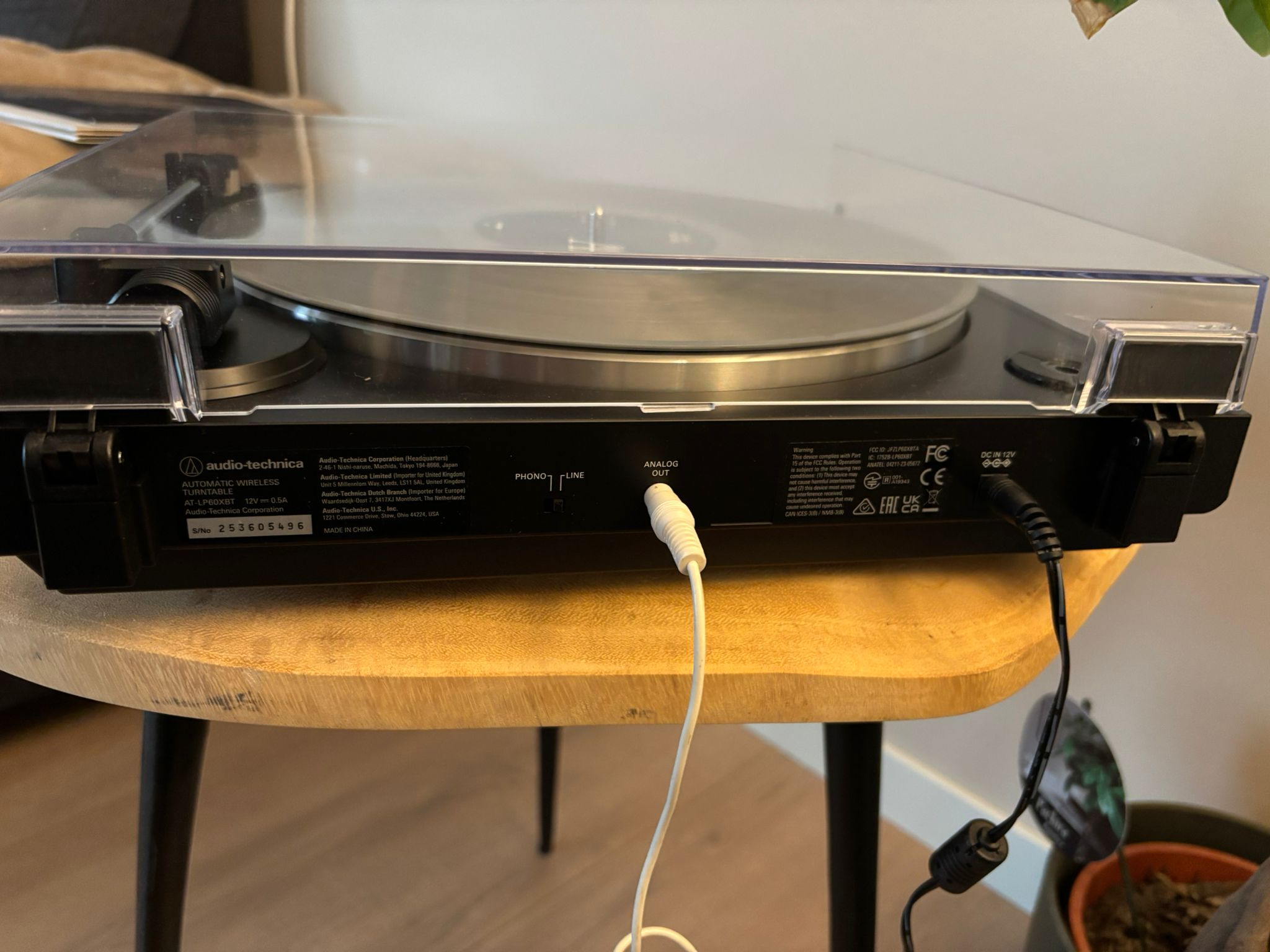
Most modern beginner-friendly turntables come with a built-in preamp already inside. If you bought a turntable in the last few years from brands like Audio-Technica, Pro-Ject, or Rega at entry level, there's a good chance it already has one. Check the back of your turntable for a small switch labelled "Phono / Line." If it's there, set it to "Line" and you're good to go.
If your turntable does not have a built-in preamp, you'll need to add an external one between the turntable and the Sonos speaker. These cost between 20 and 50 euros and are easy to find online. It's a small box that sits between your turntable and speaker.
Not sure if your turntable has a built-in preamp? Search your turntable model name plus "built-in phono preamp" and you'll find the answer in seconds.
Which Sonos speakers work with a turntable?
Not all Sonos speakers have a physical input, so you need the right model. The ones that connect easily to a record player are:
- Sonos Era 100: compact, great for smaller rooms. This is what I use.
- Sonos Era 300: spatial audio, ideal for a dedicated listening room.
- Sonos Five: the most powerful, built for serious listening.
One important thing to know: you only need to connect your turntable to one Sonos speaker. Once it's playing, you can group it with every other Sonos speaker in your house and the music will play through all of them simultaneously. That's one of the things that makes this setup genuinely special: vinyl through your whole home.
You need the Sonos Line-In Adapter
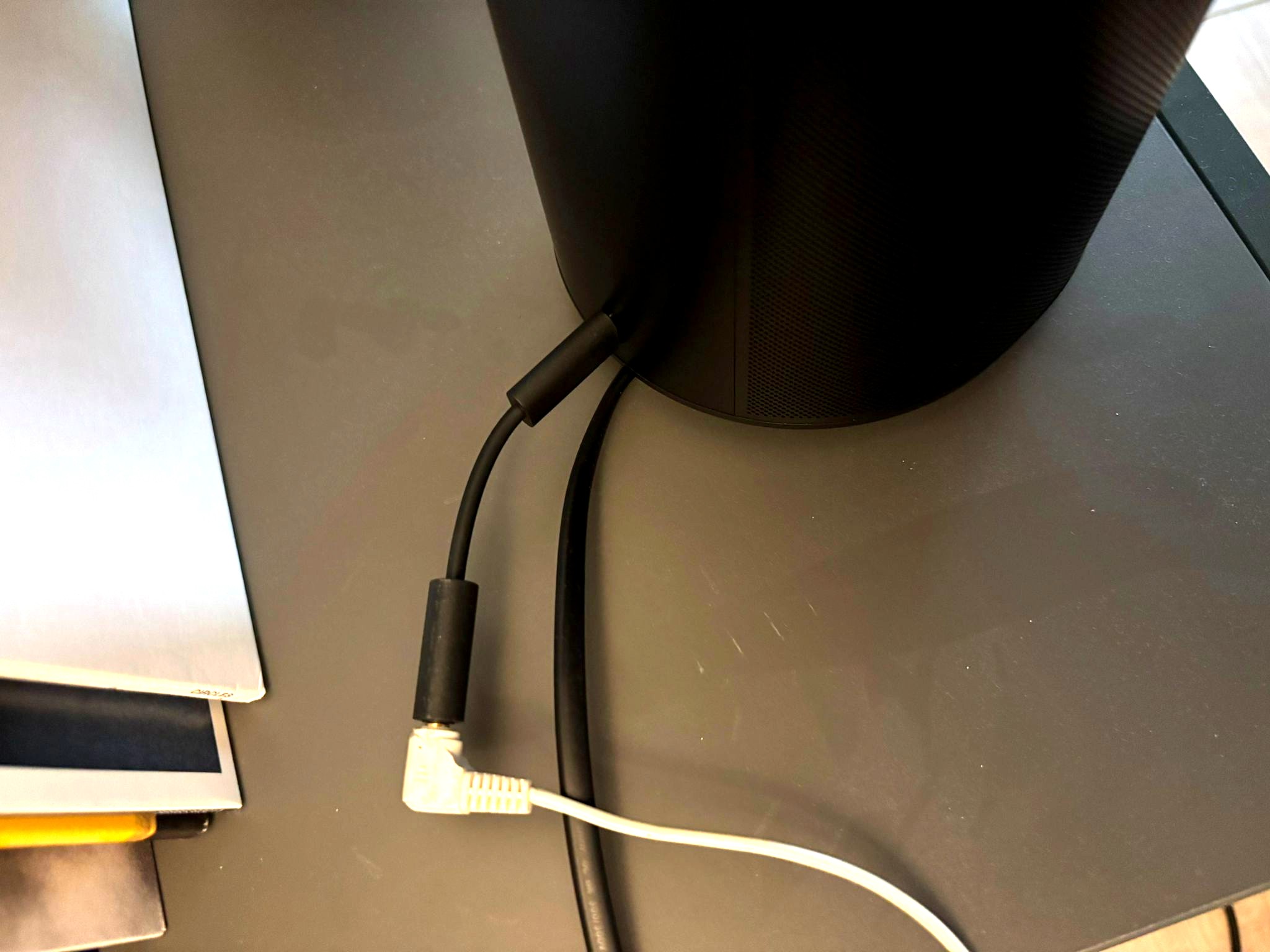
This is the part that catches a lot of people out. The Era 100 and Era 300 use a USB-C port rather than a traditional RCA input. To connect a turntable you need the official Sonos Line-In Adapter, a small dongle that plugs into the USB-C port and gives you a standard 3.5mm input.
Without this adapter, the connection simply will not work. It costs around 20 euros and is available from the Sonos website or most electronics retailers. The Sonos Five has a standard 3.5mm line-in built in, so if you have a Five you can skip the adapter.
Search for "Sonos Line-In Adapter" on the Sonos website. Make sure you buy the official one.
How to connect everything
Once you have your turntable, your Sonos speaker, and the Line-In Adapter (if needed), the setup is straightforward.
- Plug the Line-In Adapter into the USB-C port on the back of your Sonos Era 100 or Era 300. Skip this step if you have a Sonos Five.
- Connect a standard RCA-to-3.5mm cable from your turntable's output to the adapter (or directly to the Five's line-in).
- Open the Sonos app on your phone and go to Settings. The app will detect the line-in input automatically.
- Put a record on, drop the needle, and press play in the Sonos app to activate the line-in source.
- To play through your whole home, group the speaker with your other Sonos speakers in the app.
Bluetooth: the wireless option
The Era 100 and Era 300 also support Bluetooth, which means you can connect a turntable wirelessly if it has Bluetooth output built in. Some newer turntables include this, mine does too, and it's a genuinely easy way to skip the cable entirely. The sound quality is slightly less consistent than a wired connection, but it works well and removes the need for cables entirely.
For most people, the wired setup is simpler and more reliable. But if cable management is a concern, Bluetooth is a perfectly good option.
One last thing
Now that your turntable is connected and the records are playing again, it's worth keeping track of what you own. If you share your collection with a partner or family, Spinfolk is a free app that keeps your household's vinyl collection in one place, including a shareable wishlist so people always know what to buy you as a gift.
It's what I built for exactly this kind of setup.
Try Spinfolk free at spinfolk.app. No credit card required.
Written by Tim, founder of Spinfolk.